

Maia Toys
Maia ADIRA - Pink USB Rechargeable Thrusting Vibrator with Remote
Maia ADIRA - Pink USB Rechargeable Thrusting Vibrator with Remote
Couldn't load pickup availability
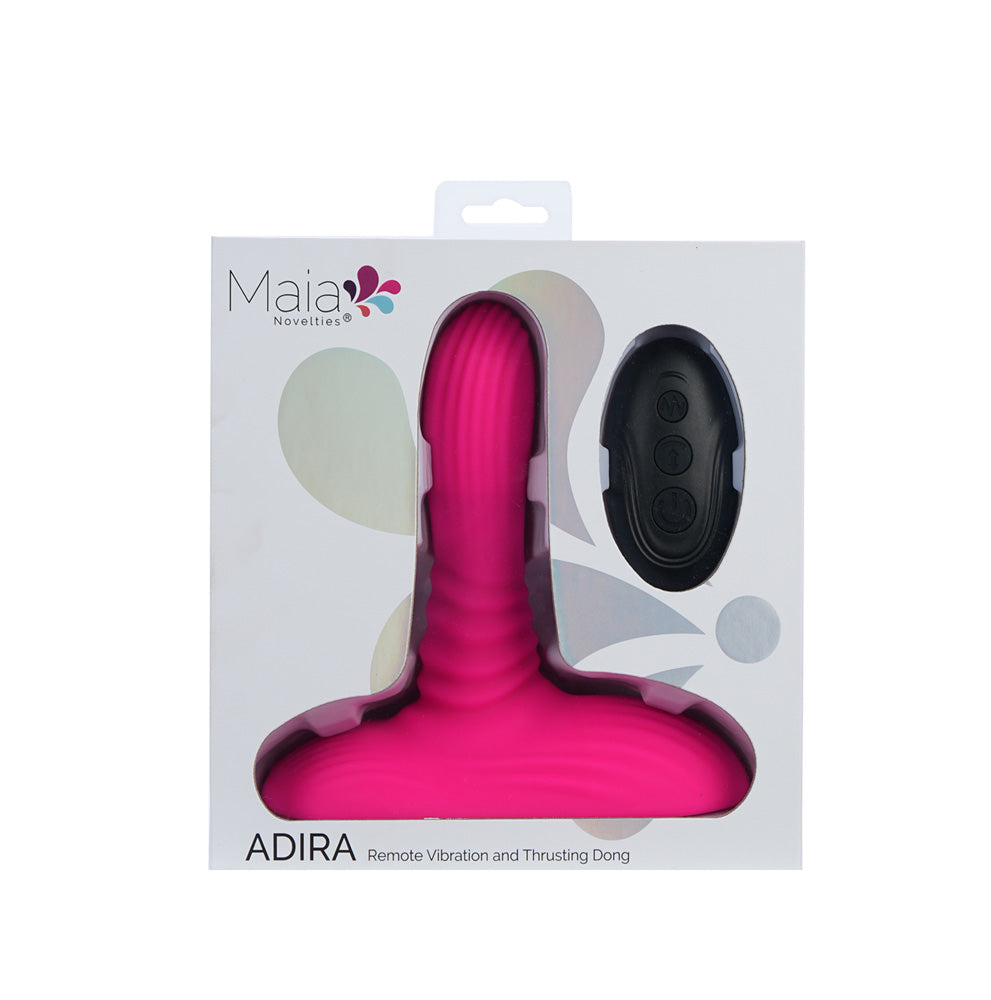
The ADIRA Vibrating and Thrusting Dong includes a remote control for effortless operation. With independent control of 3 thrusting speeds and 9 vibration levels, it gives you plenty of room to tailor the experience to your mood. Crafted from 100% body-safe silicone, ADIRA delivers a comfortable, secure feel every time, while the strong suction-cup base makes hands-free fun easy wherever you like.
Measuring approximately 16.5 cm in length and 3.8 cm in width, with an insertable length of 12.7 cm, ADIRA is generously sized without being over the top. It is also submersible for wet play, making it suitable for the bath or shower. Rechargeable and supplied with a magnetic charging cable, it is made for convenience as well as pleasure. On top of that, it comes with a Pleasure Promise Lifetime Warranty for extra peace of mind.
FEATURES:
- 3 thrusting speeds
- 9 vibration patterns
- Remote control
- Body-safe silicone / ABS remote
- Submersible (toy only)
- Magnetic charging with cable included
- Length: 16.5 cm
- Diameter: 3.8 cm
- Insertable length: 12.7 cm
- Thrust length: 1.0 cm
- Product weight: 822 grams
- Charge time: 110 minutes
- Run time: 40 minutes
Operating Instructions - Toy Only
- Press and hold the POWER-THRUST button for 3 seconds to turn your ADIRA on. The light will remain solid.
- Quickly press the POWER-THRUST button to control the thrusting speed.
- Quickly press the VIBRATION button to control the vibration levels.
- Press and hold the POWER-THRUST button for 3 seconds to turn ADIRA off.
Operating with Remote Control
- Press and hold the POWER-THRUST button on the ADIRA for 3 seconds to turn the unit on. The light will remain solid.
- Press and hold the Power button on the remote to activate it.
- Quickly press the DOWN button to operate the thrust function on your ADIRA.
- Quickly press the UP button to control the vibration levels.
- Press and hold the POWER-THRUST button for 3 seconds to turn ADIRA off.
- Press and hold the Power button on the remote to switch it off.
Charging Instructions - Adira
- Locate the magnetic charging port on the bottom of the item.
- Plug the charging cable into a USB charging port and attach the magnetic connector to the Adira.
- The light will flash while charging.
- Charging is complete when the light remains solid.
Charging Instructions - Remote
- Locate the charging port on the remote control.
- Plug the charging cable into a USB charging port and connect the cable to the remote.
- The light will flash while charging.
- Charging is complete when the light remains solid.